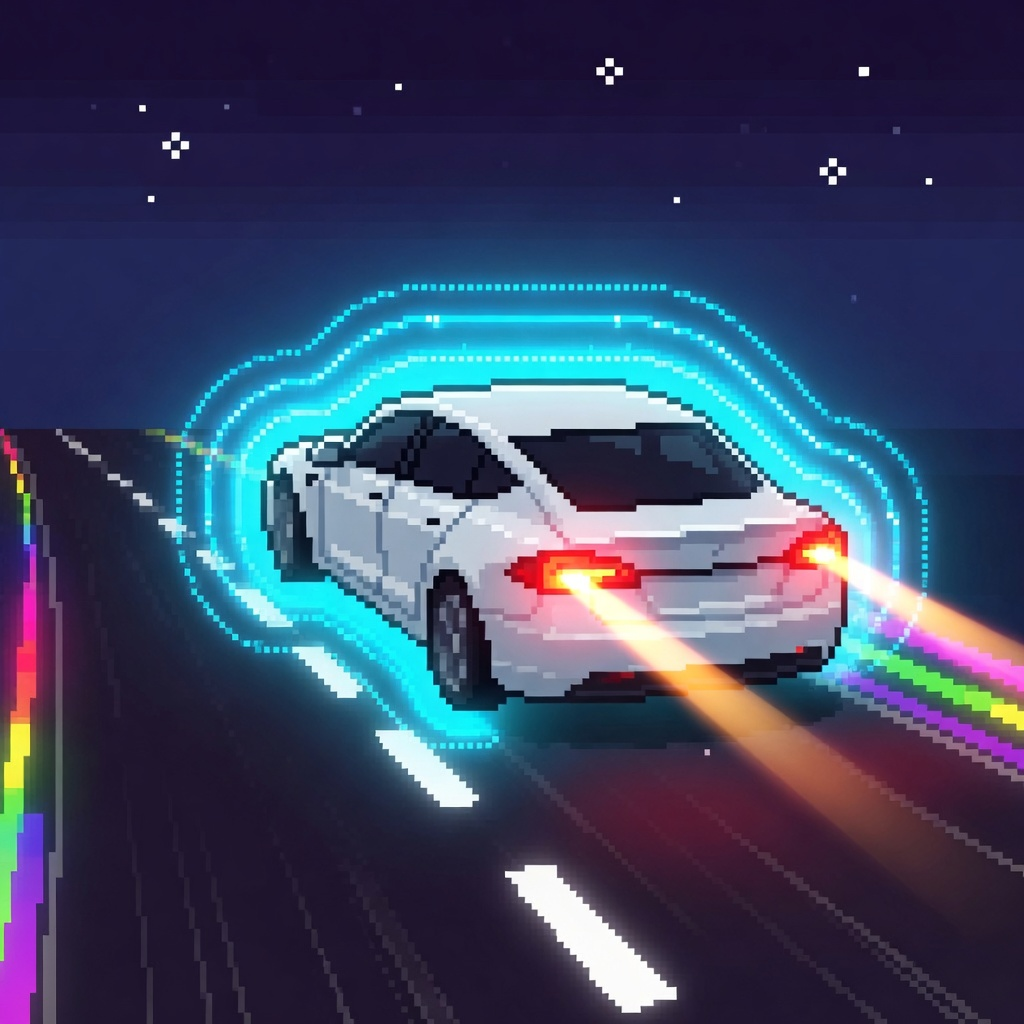
Three controls
FSD Dash is an iPhone and iPad game by Imperial MakerWorks. Driving uses LEFT, RIGHT, and OVERDRIVE.
LEFT, RIGHT, OVERDRIVE
-
01
LEFT
One lane per input. Swipe left, the keyboard left arrow, a Duo book pad, or the on-screen arrow.
-
02
RIGHT
One lane the other way. Swipe right, the keyboard right arrow, a Duo book pad, or the on-screen arrow.
-
03
OVERDRIVE
The labeled rocket button, marked with a paper plane, or the Space key. 1.5 seconds, 8% battery, 2.4 times speed, then about 3.33 seconds. Battery must be above 10.
LEFT and RIGHT
Each input moves the car one lane. Swipe, use the keyboard arrows, or use the book pads on iPhone Duo. On-screen arrows are off unless you turn them on. They are shown when VoiceOver or Switch Control is on.
OVERDRIVE
OVERDRIVE is the labeled rocket button. A paper plane marks it. The Space key does the same thing. The burst lasts 1.5 seconds, uses 8% battery, and runs at 2.4 times speed. It then waits about 3.33 seconds. Battery must be above 10. OVERDRIVE does not engage when the selected car is the Robotaxi, or while a burst is already running.
Engage
Engage starts a run, pauses it, or restarts it after a crash. Engage is not a driving control. The ready screen is where you pick a car, a difficulty, and a display name before you Engage.
Same three controls
iPhone, iPhone Duo, and iPad. iPhone Duo keeps LEFT, RIGHT, and OVERDRIVE in the open-book pose, the laptop cluster, and the closed cover. On iPad the game is portrait and fullscreen, with the same three driving controls. This site does not include an iPad screenshot.